How does Scoring work on the Ringer Handheld GPS?Updated 2 months ago
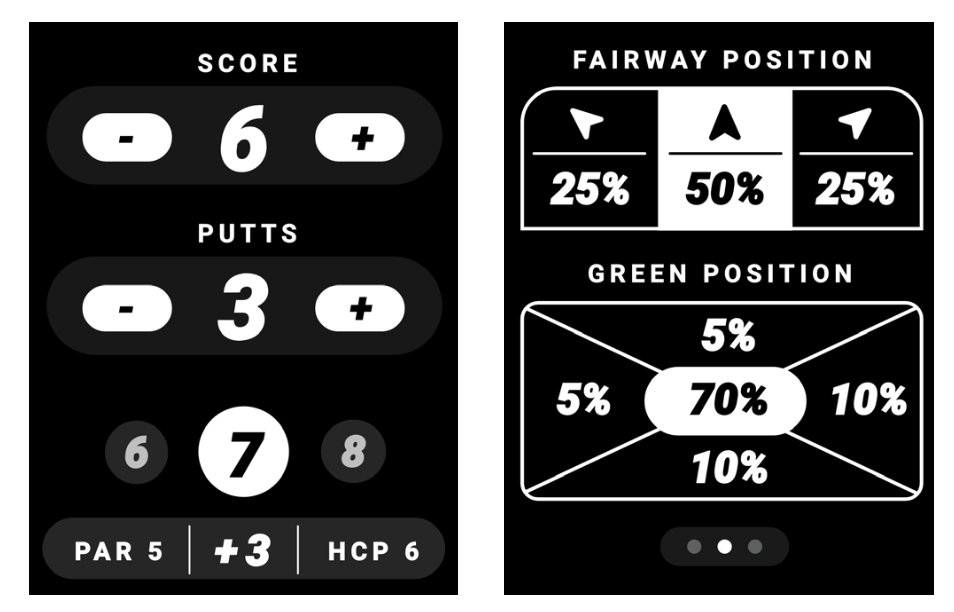
There are two (2) scoring modes that can be adjusted for in device settings. Simple Scoring will allow you to record your score and putts per hole by pressing (+) button to increase or (-) button to decrease. Advanced Scoring gives you more analytics to save with Fairway Position and Green Position.
Starting on the back 9?
If your round begins on hole 10, you can set your starting hole before beginning play. On the course selection screen, select hole 10 (or whichever hole you're starting on) as your starting hole before tapping Start Round. The Ringer will then sequence through holes from your selected starting point for the rest of the round.